AI deployment for legal and financial organisations
AI systems that do the whole job, not just answer in a chat
We build working AI systems for legal, financial and other organisations: they read the entire archive, check every source, connect to your data and public registers, and hand back a finished document.
Connected to your data and to open sources
 Commercial court records
 General jurisdiction courts
 Company register and tax service
 Fedresurs bankruptcy register
 Bailiff service
 Property register
 State Duma
 Legal databases
 1C and accounting systems
 Mail and e-document exchange
 Archives and scans
 Russian Post tracking
A chat forgets. A system does not.
Case documents are loaded into a chat window. Once the window is full, the first ones are pushed out and the model no longer knows them. A system files the same archive and checks every document.
checked against the source
Where a chat runs out
A chatbot is good at conversation. For work on cases, reports and documents it has limits that no clever prompt will fix. A system is built differently.

01Volume
AI chatA few hundred pages fit. Past that, the start of the conversation drops out and the model forgets it.
A Lexara systemWorks through an archive of thousands of documents piece by piece. The structure of the case lives in a database, not in the model’s memory.

02Completeness
AI chatAnswers from whatever it found or “remembered”. What was left unread stays invisible.
A Lexara systemGoes through every source on the list and marks what was checked and what was not. Gaps show up at once.

03Accuracy
AI chatMay confidently cite a ruling or an article that does not exist.
A Lexara systemEvery quote is checked against the original. Anything unconfirmed stays out of the result.

04Data
AI chatSees only what someone pasted into it by hand.
A Lexara systemConnected to your documents, mail and accounting databases, to court records and public registers.

05Repeatability
AI chatAnswers differently every time, and the result depends on how the question was phrased.
A Lexara systemThe same stages, checks and output format for every task. A record of the work is kept.

06Confidentiality
AI chatThe whole text goes to someone else’s server.
A Lexara systemRuns on your server or in a closed environment. Personal data is masked before anything reaches an external model.
How a system works
Inside there is not one request to a model but a chain of stages. Each one passes a checked result to the next, the way one gear turns another.
 Stage 1
Collect
Documents, letters, exports from accounting systems, court and registry data are gathered in one place.
 Stage 2
Parse
Scans are recognised, documents are split into parts, and each part gets a type, a date, parties and links.
 Stage 3
Analyse
Models work piece by piece in a set order: finding positions, counting deadlines, matching amounts.
 Stage 4
Verify
Every conclusion is checked against its source. Whatever fails is sent back or flagged.
 Stage 5
Deliver
A finished document: an inventory, a memo, a table, a draft letter or court filing. The decision stays with the professional.
Who it is for

Law firms and legal departments
- Searching case law by the substance of the dispute
- Volume inventories, case timelines and case maps
- Deadlines, correspondence and notices in bankruptcy
- Draft documents with verified citations

Financial organisations
- Counterparty checks across registers, courts and enforcement records
- Processing source documents and reconciling them with the books
- Analysing financial statements and spotting deviations
- Deal files assembled from scattered materials
Other organisations
- Document flow: intake, registration, routing
- A knowledge base over internal documents, with sources
- Contract work: checks against templates and risks
- Voice input and request handling
Built and in use
Systems already at work in litigation and bankruptcy practice. Some are open to everyone — try them.
- live

Supreme Court practice search
Ask about the issue, get the position
You ask in your own words instead of guessing keywords: the service looks for Supreme Court rulings by the substance of the dispute and shows what the court actually said, in which case. Built because finding a position by hand took longer than using it.
- live

Case inventory
A scanned volume into an inventory with bookmarks
Upload a scanned volume — get a PDF with clickable bookmarks per document and a finished inventory in DOCX. Criminal, civil, commercial and bankruptcy cases; the type is detected from the first pages.
- live
Case outline
A timeline of the dispute from case documents
A map of the case: who claimed what, when, and how it ended, with links between episodes. Right now there is a worked example and a request form; processing your own archive is the next step.
- live

Trustee correspondence
Letter registration and procedure deadlines
Incoming and outgoing letters of an insolvency trustee: registration, attachment parsing, correspondence chains per procedure, publication control. Used in live bankruptcy procedures; access on request.
- live

New laws, explained
A breakdown as soon as a bill passes
A watcher follows the Russian State Duma: once a bill passes its third reading, a breakdown is prepared — what changes, from what date, and whom it affects. No sign-up needed to read.
How we start
Scoping
We look at which work should come off people’s desks, on what documents, and what the result should look like.
Pilot on your data
We build a first version on a real sample and compare it with how your specialists do the job.
Rollout
We deploy on your server or in a closed environment, connect databases, mail and registers, and train your staff.
Support
We watch the quality, update models and add new scenarios as your work grows.
 1
 2
 3
 4
Mobile apps
We build Android apps, for work and for families. They are published in RuStore and Huawei AppGallery, and the install files are right here.
 SunnySuns for kids’ good deeds, clouds for bad ones — and you always see why
- One tap gives a sun; add the reason now or later.
- Suns trade for rewards: a cartoon, the cinema, pocket money.
- The whole family on one chart: parents and grandparents mark from their own phones.
Version 1.0.0APK
 KolibriSpeech into ready text in any Android field
- A mic button next to your keyboard — in messengers, email, the browser.
- Punctuation, numbers and dates in place, no “um”s, self-corrections resolved.
- 36 dictation languages. No voice recording is stored anywhere.
Version 0.6.9APK
 VPN lawerA strongSwan fork for connecting to your organisation’s own server
- Only for connecting employees to their own organisation’s server.
- The server address and settings come from your administrator; the app contains no third-party servers.
- Updates come only from this site; the app is not in any store.
APK file onlyAPK
Lab
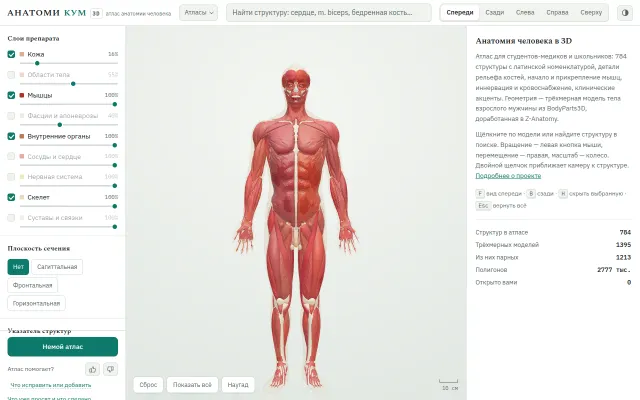
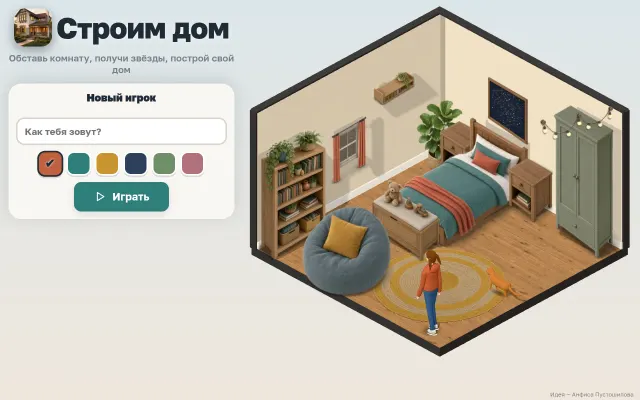
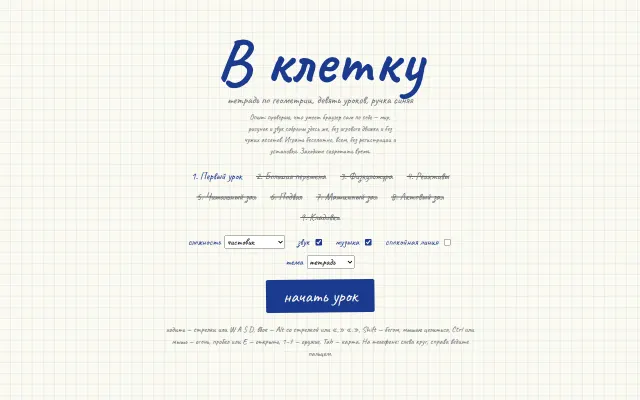
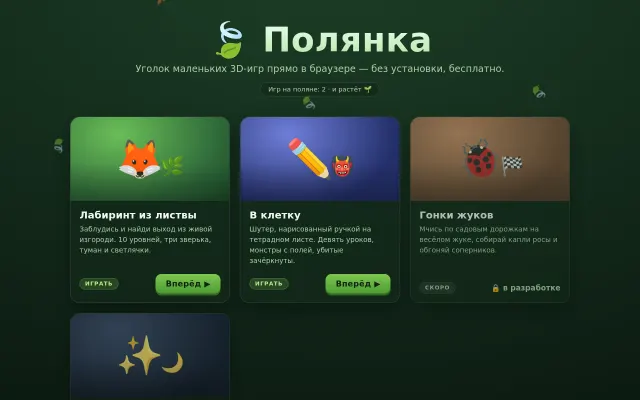
This is where technologies get tried out before they go into working systems: 3D graphics in the browser, image generation, offline mode. The anatomy atlas and the games are open to everyone.
Frequently asked questions
How is a Lexara system different from ChatGPT and other AI chats?
A chat answers within its context window and from whatever was pasted into it. A system works through the whole archive in stages, checks every quote against its source, connects to your data and registers and delivers a finished document in the same format every time.
Who are your systems for?
For law firms and legal departments, financial organisations and any company with a lot of documents: contracts, correspondence, reporting, internal rules.
Where is the data kept?
On your server or in a closed environment. Personal data is masked before anything reaches an external model.
How does a rollout go?
Scoping, a pilot on your data compared with how your specialists work, rollout with databases, mail and registers connected, then support.
Which systems are already in use?
Supreme Court practice search, case inventory, case outline, insolvency trustee correspondence and new laws explained — some of them are open to everyone.
Do you build mobile apps?
Yes, for Android: Kolibri voice input, the Sunny family app and the VPN lawer corporate client. Install files are on the Download APK page.
Tell us what work you want automated
Describe the task in two or three sentences: what documents, how many, and what should come out at the end. We will reply with a suggested first step.